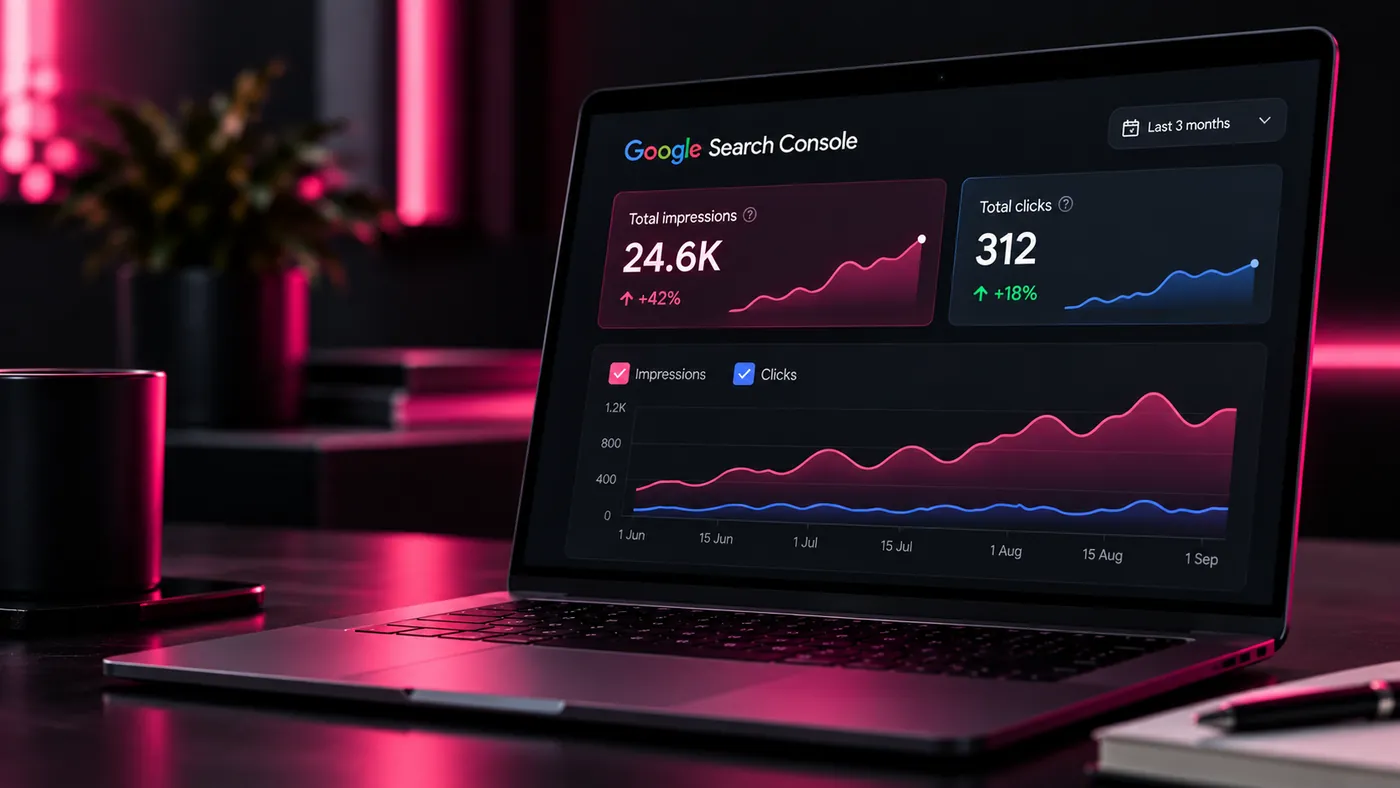
Illustration — not real Search Console data.
Usually one of three things: the page ranks too far down to be clicked, it is showing for searches you don’t actually want, or the result gives nobody a reason to click. An impression is not a visit, so fix relevance and rank before chasing more of them.
What does an impression mean in Google Search Console?
Search Console can show thousands of impressions while Analytics shows almost no organic traffic. That isn’t necessarily a tracking problem. Google’s own definitions explain why:
Google’s help page goes further: aim not simply for more impressions, but for meaningful impressions.
Why am I getting impressions but no clicks?
The most common reason is that the page is ranking too low. A page can pick up a lot of impressions while sitting well below the positions that attract clicks. That still tells you something: Google sees the page as relevant to the subject. But relevant isn’t the same as competitive.
Before rewriting a title tag in the hope of a better click-through rate, check the average position and the individual queries producing those impressions.
Are you showing up for the wrong searches?
More impressions aren’t automatically good. Imagine a web agency appearing thousands of times for people looking for a £20-a-month website, when what it actually wants is £2,000 construction and manufacturing projects. Growing that visibility builds a bigger graph, not a better business.
Are these the searches we actually want to win?
Does your search result give people a reason to click?
If the page already ranks competitively, look at the result itself:
- Does the title clearly answer what the searcher wants?
- Is it specific, or could it describe any business?
- Does the description say what they will get on the page?
- Is Google rewriting your title because the page isn’t clear enough?
Don’t stuff more keywords into it. Make the proposition clearer.
Is one page trying to do too much?
A generic Services page can collect impressions for dozens of loosely related searches while ranking strongly for none of them. Making it longer rarely fixes that. Often the right move is a dedicated page for each distinct service or sector, joined up with internal links — we cover how to decide in should every service have its own page?
How do you find the queries already close to page one?
- Open Performance → Search results in Search Console and switch on Average position.
- Go to the Queries tab and sort by impressions.
- Pick out relevant queries sitting just off page one — those deserve the work.
- Open each one’s page and ask what the results above it do better: content, intent, proof, internal links or speed.
Should you just add more keywords?
No. Ask whether the page actually deserves the click. Does it answer the question quickly? Show real examples? Explain the service properly? Demonstrate experience? Load quickly and work on a phone? Give an obvious next step?
Adding the target phrase another six times is unlikely to fix a weak page.
What do impressions look like when they turn into enquiries?
From our own client work, published with the Search Console figures on our before & after page:
How do supporting pages build authority?
A strong commercial page doesn’t have to stand alone. A construction web design page can be backed by genuine construction case studies, an SEO page for the same sector and useful articles around it. The same model works for manufacturing, flooring and other sectors.
What should you do next?
Split your Search Console queries into three groups, and treat each differently:
- Relevant and close to page one — improve these aggressively.
- Relevant but still weak — build authority around them with supporting pages and proof.
- High impressions, wrong intent — don’t let them dictate your content strategy.
Getting impressions but not enough business?
We build websites and SEO strategies around commercially useful visibility rather than vanity traffic.
Talk to us about SEO →Sources. What are impressions, position and clicks? — Search Console Help · Performance report — Search Console Help